Web App · v1.0
APS Automations
Dashboards, sheet exports and a live drawing register for your Revit models on Autodesk Construction Cloud.
Coming soon. Leave your email on the product page to be told when it launches.
Open in the Store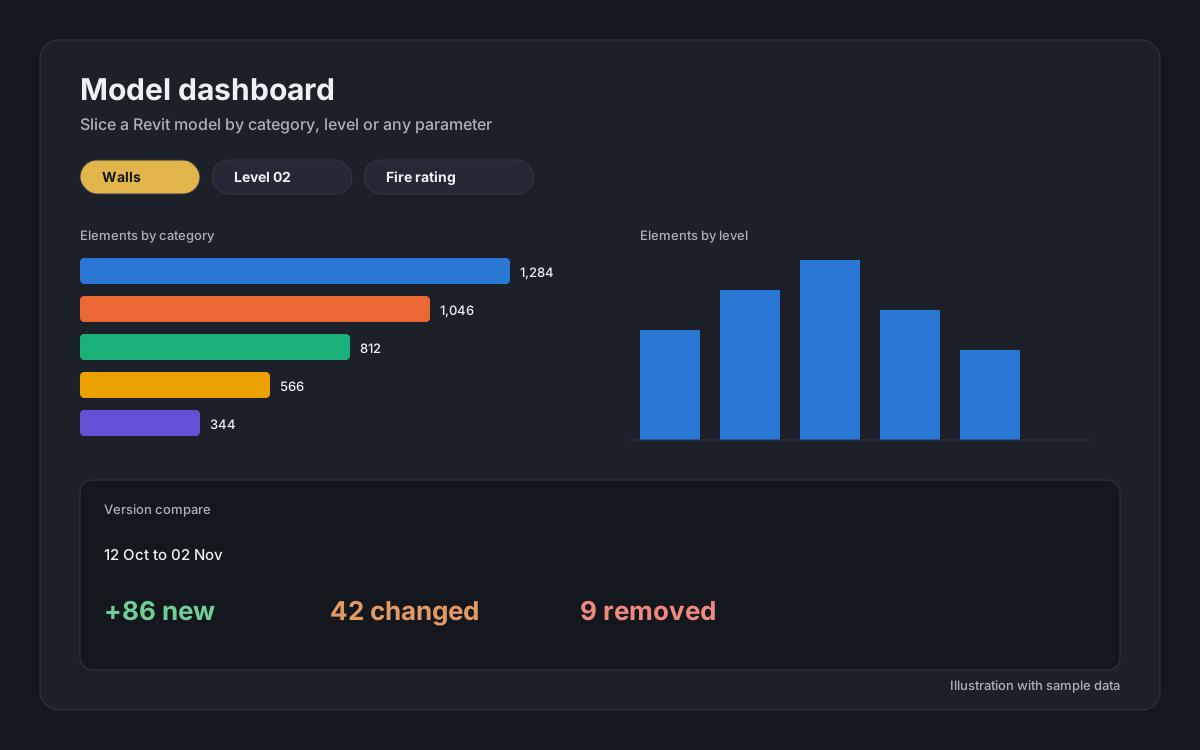
About APS Automations
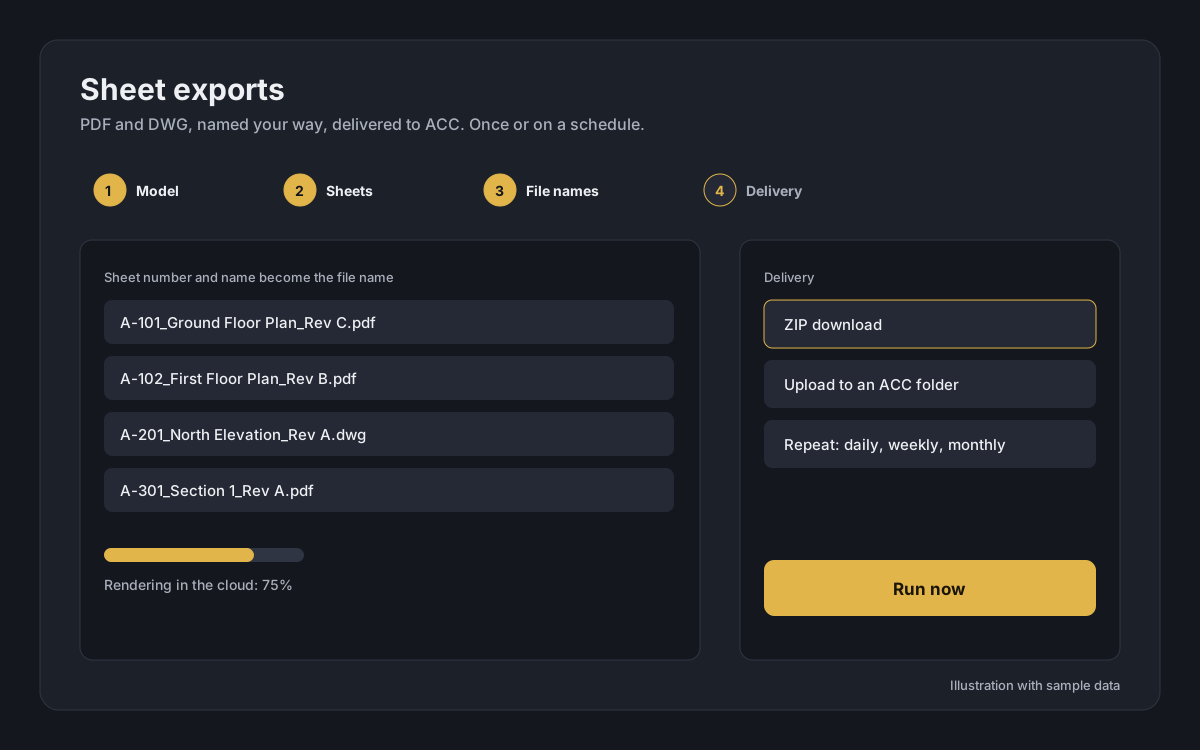
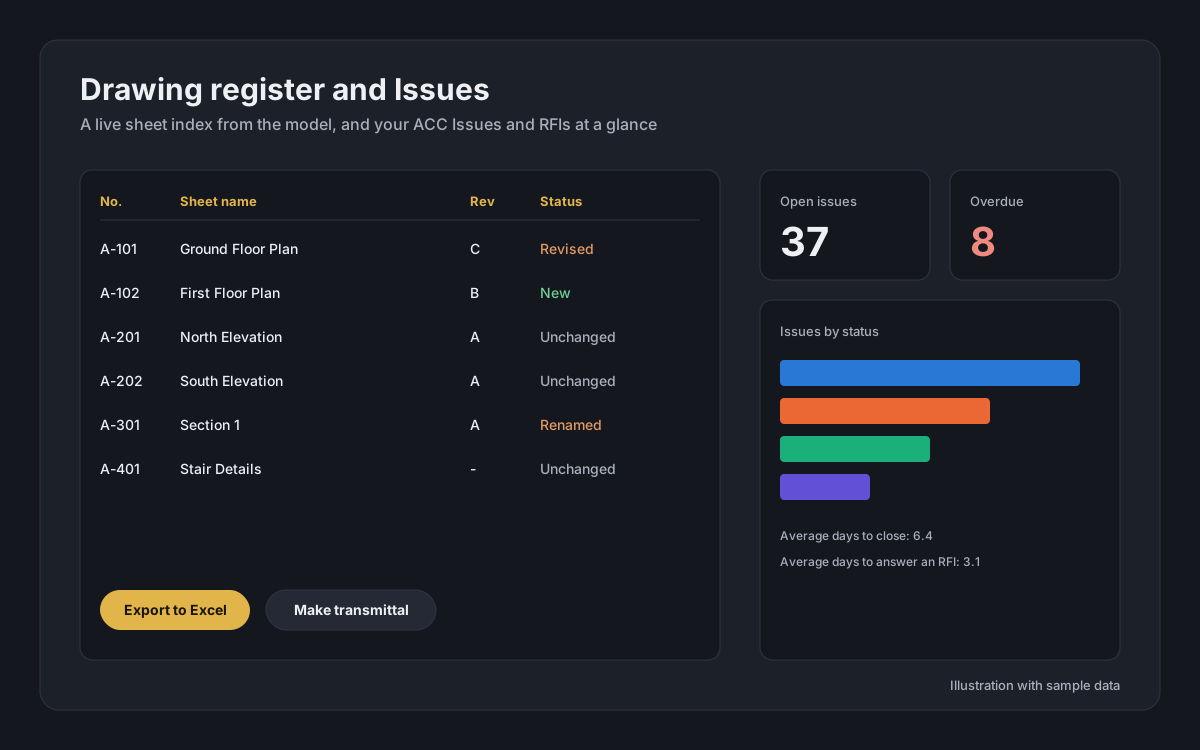
APS Automations connects to your Autodesk Construction Cloud (ACC) projects and does the repetitive work around Revit models for you. Slice a model by category, level or any parameter in a cross-filtered dashboard and compare versions by date. Open any version in the 3D and sheet viewer. Export sheets as PDF or DWG with your own file-naming pattern and deliver them as a ZIP or straight into an ACC folder, once or on a daily, weekly or monthly schedule. Keep a live drawing register with revisions and make a transmittal list in one click. Follow your ACC Issues and RFIs, summarise Model Coordination clashes, and let new model versions be prepared and exported automatically. Nothing to install: it runs in your browser with your Genera account and your own Autodesk sign-in.
What you can do
- Model dashboard: slicers by category, level, search and any parameter, charts that filter each other, version compare by date, CSV download
- 3D and 2D sheet viewer for any version of a model
- Sheet exports to PDF and DWG with your own file names, as a ZIP or uploaded to an ACC folder
- Schedule exports once, daily, weekly or monthly, with a history of every run
- Drawing register: live sheet index with revisions, compare with the previous version, Excel or CSV and transmittal lists
- ACC Issues and RFIs: open and overdue counts, average days to close, filters and CSV
- Clash summary from Model Coordination, per test and per model version
- Auto-publish: when a new model version is saved, it is prepared for viewing and your exports run automatically
- Try it first on a built-in sample model, before connecting Autodesk
Requirements
- Any modern desktop web browser (Chrome, Edge, Firefox, Safari)
- A Genera account
- An Autodesk account with access to the ACC project (an account administrator approves the app once)
- Revit models published to Autodesk Construction Cloud
Works with
- Any web browser
- Chrome
- Edge
- Autodesk Construction Cloud
- Revit models (RVT)